


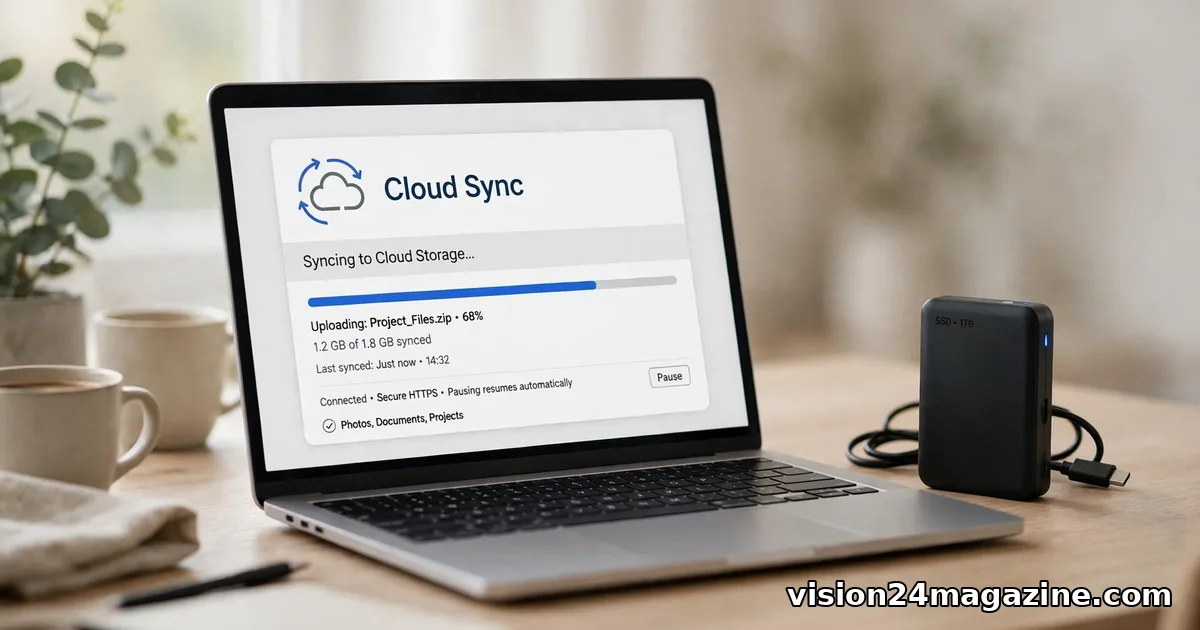
Every photo you take, every document you write and every video you shoot has to live somewhere. For most of us, the cloud storage vs hard drive choice comes down to two options: pay a small monthly fee to keep files online, or buy a drive once and keep them at home.
The cloud storage vs hard drive question sounds simple, but the honest answer depends on what you store, how much of it you have, and what would hurt most if you lost it. This guide compares both options on the numbers that matter in 2026 — real prices, speed, reliability, security and privacy — so you can pick the right one, or the right mix of both.
What Cloud Storage vs Hard Drive Actually Means
Before comparing prices and speeds, it helps to be clear about what each option really is, because they solve the same problem in very different ways.
What is cloud storage?
Cloud storage means your files live on someone else’s computers, in data centres run by Google, Microsoft, Apple or Dropbox. You upload a photo from your phone and it is copied to their servers, usually in more than one place. You can open it from any device with internet. Your files survive even if your laptop is stolen, and you never think about hardware. In return, you pay monthly and trust a large company with your files.
What is a hard drive?
In the cloud storage vs hard drive comparison, the hard drive is the physical device you own: the drive inside your laptop, a portable drive the size of a phone that plugs in by USB, or a bigger desktop drive. Files live on spinning disks (an HDD) or flash memory chips (an SSD). Nothing leaves your home unless you carry it out. You pay once, with no monthly bill and no company in the middle. But if the drive fails, gets dropped or is stolen, your files go with it — unless you made a second copy somewhere else.
That trade-off — convenience against control — runs through every part of the cloud storage vs hard drive comparison.
Cloud Storage vs Hard Drive: The Real Cost in 2026
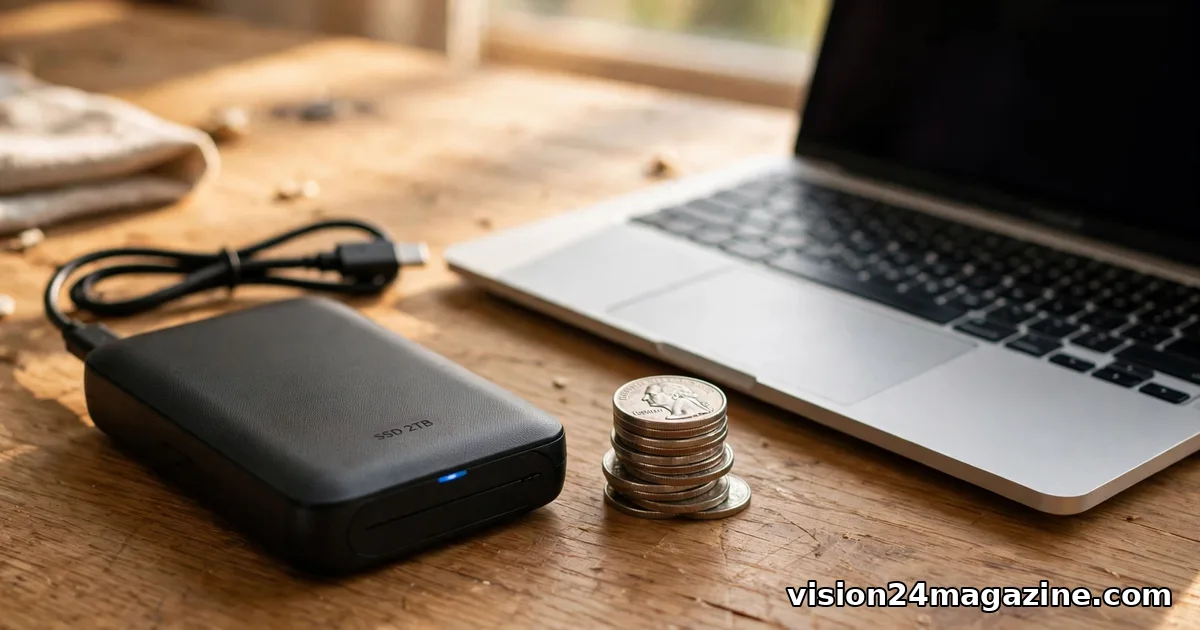
Cost is where most people start, and it is also where the cloud storage vs hard drive comparison gets misunderstood. A drive looks cheap because you pay once. The cloud looks cheap because ten dollars a month feels like nothing. Both impressions are partly wrong, so here are the real numbers.
| Service | Free storage | 2 TB price |
|---|---|---|
| Google One | 15 GB | $9.99/month ($99.99/year) |
| iCloud+ | 5 GB | $9.99/month |
| Dropbox Plus | 2 GB | $11.99/month ($9.99/month billed annually) |
| OneDrive (Microsoft 365 Personal) | 5 GB | 1 TB for $9.99/month, Office apps included |
Google One gives you 15 GB free, then $1.99 a month for 100 GB, $2.99 for 200 GB and $9.99 for 2 TB — $99.99 a year if you pay annually. Storage is shared across Drive, Gmail and Photos, and with up to five people. Apple’s iCloud+ starts at 5 GB free, then $0.99 a month for 50 GB, $2.99 for 200 GB and $9.99 for 2 TB, with no annual discount. On an iPhone, photos and backups land here automatically, which is why the 200 GB plan is so popular.
Microsoft takes a different route. OneDrive’s 100 GB plan is $1.99 a month, but Microsoft 365 Personal is the better deal: 1 TB plus Word, Excel, PowerPoint and Outlook for $9.99 a month or $99.99 a year. The Family plan gives six people 1 TB each for $12.99 a month. Dropbox Plus is the priciest of the four: $11.99 a month, or $9.99 a month billed annually, for 2 TB, with only 2 GB free. Its sync is still the most reliable of the four.
On the drive side of the cloud storage vs hard drive comparison, a 2 TB portable hard drive from Seagate or Western Digital costs roughly $100 to $160 in late 2026. The Seagate 2 TB portable drive was listed at $119.99 on Amazon in October 2026, and budget 2 TB drives have sold for as little as $50 to $80 during sales. A portable SSD costs far more: the Samsung T9 2 TB was selling for $349.99 in November 2026, and a 1 TB SanDisk Extreme costs around $199. SSD prices climbed sharply in 2026 on a NAND flash shortage, driven partly by AI demand.
The three-year maths
Three years of Google One at 2 TB, paid annually, costs $299.97. Three years of Dropbox Plus, billed annually, costs $359.64. A 2 TB portable hard drive costs about $120 once. On a three-year view, the cloud storage vs hard drive cost gap is roughly $180 to $240 in favour of the drive. Over five years the gap grows: Google One costs about $500, the drive still $120 — unless it fails and needs replacing. A drive bought once is cheaper, full stop.
But the maths is not the whole story. That $120 drive holds your files in one place, in one house. The $300 of cloud storage holds them in several data centres at once, with copies you never think about. Whether that $180 is worth it in the cloud storage vs hard drive trade-off depends on how much your files are worth to you.
Speed: Cloud Storage vs Hard Drive in Everyday Use
A portable hard drive on USB 3 moves files at around 100 MB/s in real use. Copying a 50 GB folder of holiday videos at that speed takes more than eight minutes. A portable SSD is far quicker: the Samsung T9 is rated at up to 2,000 MB/s over a USB 3.2 Gen 2×2 connection, twenty times faster on paper, though only with the right USB port on your computer.
In the cloud storage vs hard drive speed test, cloud speed is really your internet speed. Uploading that same 50 GB folder on a typical home connection with 20 Mbps upload takes close to six hours. Downloading is much faster, because most home connections download far quicker than they upload. That is why the cloud feels instant for a photo, but painfully slow for a first full-computer backup.
In daily use, the cloud storage vs hard drive result is split: the cloud wins on convenience and loses on raw transfer speed. Opening a document or sharing a link is instant from anywhere. Moving a large video library is a job for a cable, not Wi-Fi. And if your internet goes down, your cloud files are unreachable, while a hard drive on your desk keeps working.
Safety and Reliability: Which One Loses Your Files?
This is the section that should decide the cloud storage vs hard drive question for most people, because a cheap option that loses your files is not cheap at all.
How often do hard drives actually fail?
Hard drives fail. It is not a question of if, but when, and we have unusually good data on how often. Backblaze, a cloud storage company, runs more than 340,000 hard drives in its own data centres and publishes the failure rate of every model, every quarter. In its Q1 2026 report, Backblaze recorded 1,030 failures across 341,263 drives, an annualised failure rate of 1.24 percent. For the whole of 2025, the rate was 1.36 percent, down from 1.55 percent in 2024 — roughly one drive in seventy per year.
But the average hides a pattern: drives fail more as they age. Analysis of Backblaze’s data shows the failure rate climbing to about 1.9 percent a year by age four, roughly 2.5 percent by age six, and peaking near 3 percent at six and a half years. The company’s Q2 2026 report, covering 354,415 drives, recorded a higher quarterly rate of 1.73 percent. A drive bought today will probably work fine for three to five years, but plan on replacing it after about five years, and never treat a single drive as the only copy of anything you care about.
How safe is the cloud?
In the cloud storage vs hard drive safety comparison, cloud providers protect your files with redundancy: they keep several copies in different data centres. Google’s published durability target is 99.999999999 percent — eleven nines — so you would expect to lose one file in a hundred billion per year.
But the cloud does not protect you from yourself. Delete a file and empty the trash, and it is gone. Let a subscription lapse, and storage can be frozen or deleted after a grace period. Get locked out, and your files are unreachable until you get back in.
The 3-2-1 backup rule
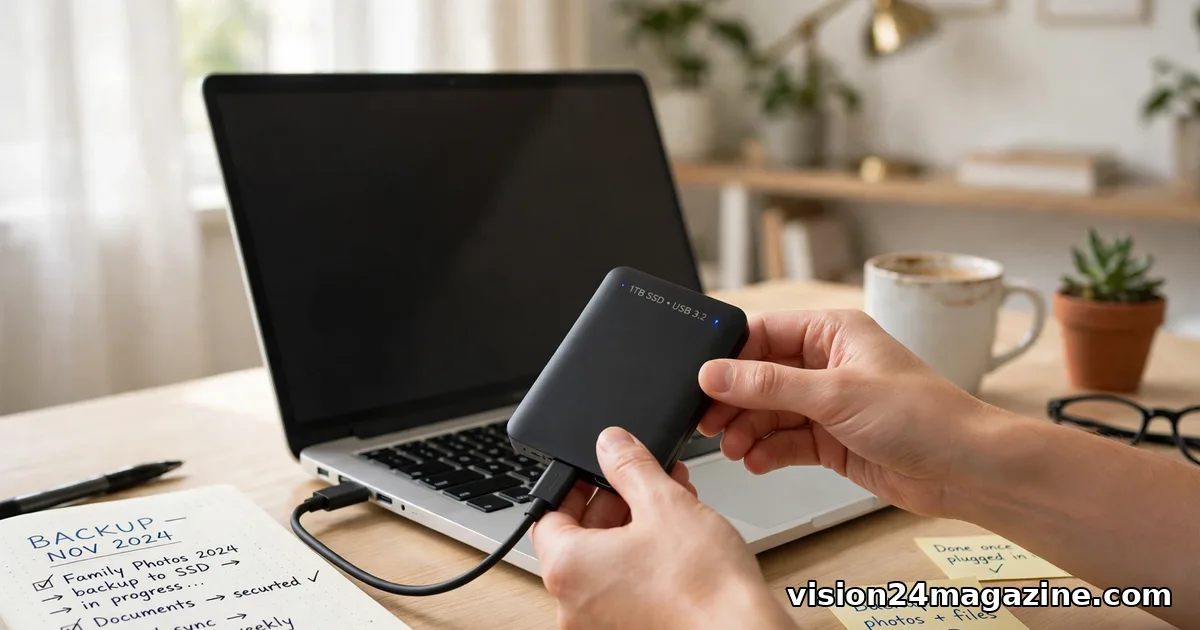
The storage industry has a simple answer to all of this. The 3-2-1 backup rule says: keep three copies of your data, on two different types of media, with one copy stored off-site. Backblaze’s learning centre traces the idea to photographer Peter Krogh’s 2009 book, The DAM Book.
In practice, your files live on your computer, a second copy sits on an external drive at home, and a third copy lives in the cloud. If the computer dies, the drive saves you. If the house floods, the cloud saves you. Notice what the rule implies: the cloud storage vs hard drive debate has a wrong premise — it is not a choice between two options. The rule professionals use needs both.
Security and Privacy: Who Can See Your Files?

In the cloud storage vs hard drive privacy comparison, a hard drive you own is private by default. Nobody can read it without physically holding it, and if you encrypt it — which Windows and macOS both let you do for free — even theft does not expose your files.
The cloud storage vs hard drive security picture flips online. Files are encrypted in transit and on the provider’s servers, but in most mainstream services the provider holds the keys. That means the company can, in principle, access your files, and sometimes scans them — for illegal content, or to power photo search.
That does not mean your files are unsafe in the cloud. The big providers spend billions on security, and a break-in at Google’s data centres is far less likely than a burglar taking the drive from your desk. But the risks differ in kind: with a drive, the risk is physical; with the cloud, it is about control.
There is a middle ground. Some services, like pCloud and Sync.com, offer client-side encryption, where only you hold the key — but if you lose the key, nobody can help you recover the files. One more thing: the amount of personal information floating around online is larger than most people realise. Our guide on how to do a reverse phone lookup in the USA shows how much can be found from a single phone number.
Cloud Storage vs Hard Drive: Which One Should You Pick?
There is no single winner, because different people store different things. Here is how the choice breaks down for the situations most people are actually in.
Pick cloud storage first if you live on your phone
If your files are mostly photos, documents and notes, and you use more than one device, the cloud is the obvious pick. Photos back up as you take them, documents sit on every device, and sharing is a link instead of a cable. The 200 GB plan at $2.99 a month from Google or Apple covers most phone libraries. The cloud storage vs hard drive question barely matters here, because a phone library is exactly what the cloud was built for.
Pick a hard drive first if you work with big files
Video editors, photographers and anyone with terabytes of footage should start with a drive. Moving hundreds of gigabytes in and out of the cloud is slow and expensive, while a portable SSD or desktop drive handles it at full speed, offline, with no monthly bill. Buy the biggest drive you can afford and back it up somewhere else. For this kind of work, the cloud storage vs hard drive winner is the hard drive — not the old-fashioned option, but the practical one.
Pick the cloud if you travel or work from anywhere
Remote workers and students move between home, office and cafe, and their files need to follow them. A hard drive left on a desk at home is useless in a meeting across town. Work keeps moving this way — our article on how AI is changing the way we work in 2026 looks at how remote and AI-assisted work keeps growing, and every one of those workflows creates files that need to be reachable from anywhere. In the cloud storage vs hard drive choice for travellers, the cloud is the only option that keeps up.
Pick a hard drive if you do not trust subscriptions
Some people simply do not want another monthly bill — a fair reason on its own. In the cloud storage vs hard drive cost debate, a hard drive costs about $120 once, and it works for years with no account, no password reset and no price rise. If your files rarely change — old photos, a music collection, finished projects — a drive is cheaper and simpler. Just remember the one rule: a single drive is not a backup. Buy a second one, or pair it with a free cloud tier for the files you could not replace.
The Best Answer in 2026: Use Both
Here is the honest conclusion of the whole cloud storage vs hard drive comparison: the best setup in 2026 uses both, because each covers the other’s weakness. A hard drive gives you speed, privacy and a one-time price. Cloud storage gives you off-site safety, access from anywhere and protection against theft and disaster. Together they are the 3-2-1 backup rule in its simplest form: files on your computer, a copy on a drive at home, a copy in the cloud.
Setting up a combined cloud storage vs hard drive system takes less than an hour. Buy a 2 TB external hard drive, plug it in, and turn on your computer’s built-in backup — Time Machine on a Mac, File History on Windows — so copies happen automatically. Then pick one cloud service and back up the folders that matter most: photos, documents, work files. Free tiers cover 15 GB at Google and 5 GB at Apple and Microsoft — enough for documents; the $2.99-a-month 200 GB plan covers most photo libraries.
Two extra habits make this cloud storage vs hard drive setup far stronger. First, check that your backups actually restore — download a file from the cloud app, open a folder on the drive. A backup you have never tested is a hope, not a plan. Second, for protection against ransomware, read Backblaze’s guide to the 3-2-1 backup rule and its follow-up on the newer 3-2-1-1-0 approach, which adds one offline copy ransomware cannot reach. The whole setup costs about $120 for the drive and $36 a year for the 200 GB cloud plan — less than most people spend on coffee in a month — and it protects photos and documents that cannot be bought back at any price.
Frequently Asked Questions
Is cloud storage safer than a hard drive?
In the cloud storage vs hard drive safety comparison, the cloud wins for most people. A provider keeps several copies of your data in different data centres, so a failed disk or a stolen laptop costs you nothing. A hard drive is a single point of failure: if it dies and you have no second copy, the files are gone. The cloud has its own risks, like lockouts and lapsed subscriptions, which is why the safest setup uses both.
How long does an external hard drive last?
Most external hard drives last three to five years of regular use, and many keep working well beyond that. Backblaze’s published data shows failure rates rising with age — about 1.9 percent a year at age four and roughly 2.5 percent by age six — so it is wise to replace a backup drive after about five years rather than waiting for it to fail.
Why are SSD prices so high in 2026?
Portable SSDs cost far more than hard drives of the same size because flash memory is short. A global NAND shortage during 2026 pushed prices up sharply, and demand from the AI industry — the same boom behind the return of Jensen Huang to Nvidia — is a big part of the reason. A 2 TB portable SSD now costs two to three times as much as a 2 TB hard drive.
Can I use cloud storage without the internet?
No, not fully. You can mark some files for offline access in Google Drive, OneDrive or Dropbox, and those files will open without a connection, but anything you have not downloaded in advance is unreachable. A hard drive works with no internet at all, which is one of its biggest advantages for travel and for places with unreliable connections.
What is the cheapest way to store 2 TB?
A single 2 TB external hard drive, at roughly $100 to $160, is the cheapest way to hold 2 TB — but it is not a backup on its own. The cheapest safe setup in the cloud storage vs hard drive comparison is that drive plus a free cloud tier for your most important files, or a 200 GB cloud plan at $2.99 a month for the files you cannot afford to lose.
Conclusion
The cloud storage vs hard drive debate ends the same way every time: neither option wins on its own. A hard drive is cheaper, faster and more private, while cloud storage is safer, reachable from anywhere and immune to a single broken disk. The best answer to the cloud storage vs hard drive question in 2026 is not one or the other, but both together — a drive at home and a cloud copy off-site, following the 3-2-1 rule, for about $120 up front and a few dollars a month. Your files are worth that much.
